Help & support
Six steps from the box to your first message. For button details, keep the user manual from the box at hand.
Connect the included USB cable and charge the built-in 2000 mAh battery fully before first use.
On your smartphone, open Settings, then Bluetooth, and select “LYRON”. It reconnects automatically after that.
Record the welcome message your guests will hear when they lift the handset. The steps are in the user manual.
Lift the handset, listen to the greeting, speak after the beep, hang up. The message is saved instantly.
Press the LYRON button in the middle of the dial to hear the messages through the handset. No computer needed.
Connect the phone to a computer with the USB cable. It opens like a USB drive: copy the audio files to keep or share them.
Specifications
| Model | LYRON D11 |
|---|---|
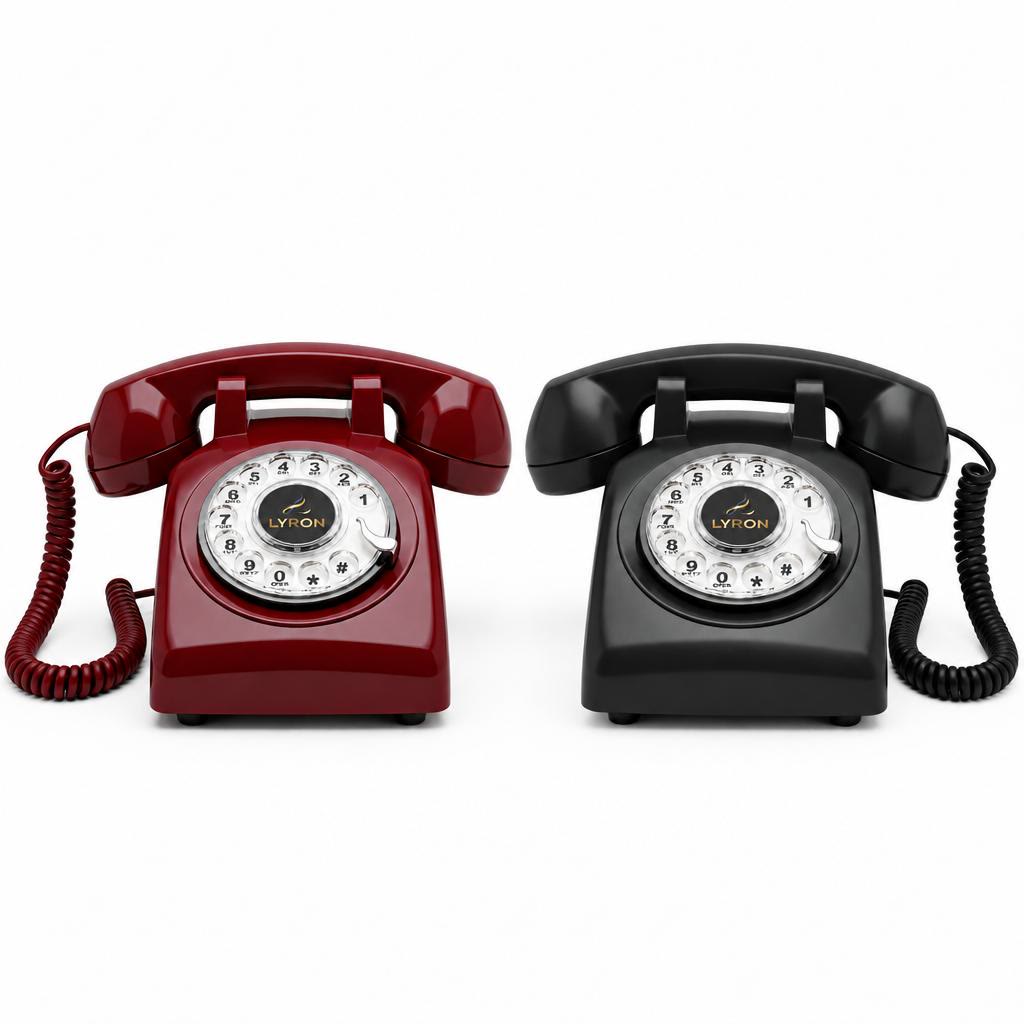
| Colors | Red Cherry, Classic Black (matte) |
| Dimensions | 9.1 × 8.5 × 5.0 in230 × 215 × 128 mm |
| Weight | 2.1 lbapprox. 950 g |
| Connectivity | Bluetooth for calls, music and podcastsiPhone & Android · 65 ft+ range in open space |
| Storage | 16 GBup to 270 hours of recordings |
| Power | 2000 mAh rechargeable battery, USB charging |
| Playback | One-press center button, plays through the handset |
| Handset cord | Coiled, 8.8 ft2.7 m |
| USB cable | 3.3 ft, for charging and file transfer1 m |
| Certification | FCC ID 2BWP8-LYRON-D11 |
| Gift box | 9.6 × 8.5 × 5.2 in, 2.5 lb |
| In the box | Phone base, handset with coiled cord, USB cable, user manual |
FAQ
No. Press the center playback button and the messages play right from the phone. A computer is only needed if you want to copy the audio files to keep or share them.
Yes. Record a personal welcome message so guests hear your voice when they lift the handset.
Connect the phone to a computer with the included USB cable and copy the audio files, just like a USB drive.
Yes. Pair it with your smartphone over Bluetooth and answer calls by lifting the handset, while your smartphone stays in your bag, a drawer or another room.
Yes. Once paired over Bluetooth, anything your smartphone plays, from playlists to podcasts and audiobooks, comes through the LYRON.
No. The built-in battery charges over USB, so you can place it anywhere at your venue.
The LYRON D11 is sold on Amazon US and fulfilled by Amazon, with Prime shipping.
Yes. The LYRON pairs over Bluetooth with iPhone and Android smartphones. It shows up as “LYRON” in your Bluetooth settings.
The 16 GB of storage holds up to 270 hours of recordings, enough for the biggest wedding and many parties after it.
Keep your smartphone within Bluetooth range. In open space the connection holds beyond 65 ft; walls and floors shorten it.
Contact support
Write to us and include your Amazon order number if you have one.
support@lyrond11.comBought on Amazon? You can also reach us from your order page, under “Contact seller”.
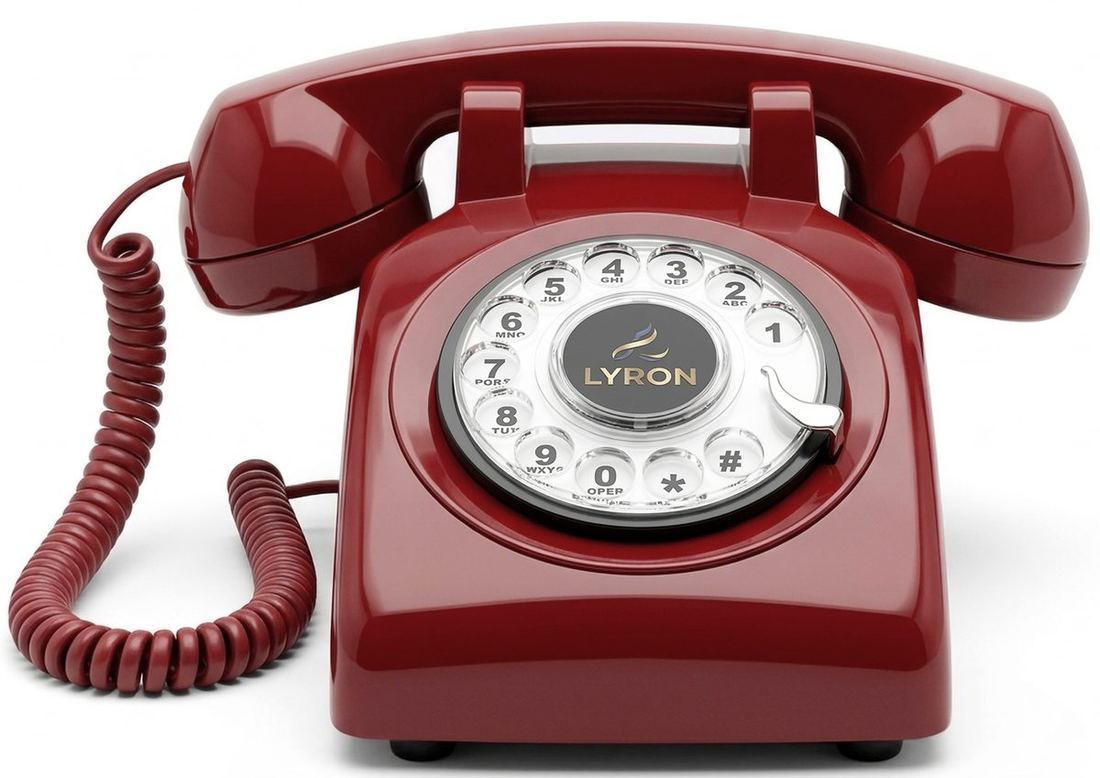
LYRON D11
Available now on Amazon in Red Cherry and Classic Black.